Pick a mood
Explore the moods and choose what feels closest to you. Adjust the shade until the color feels just right.
Kiboon / A moment in color
A little habit of recording your moods in color
A look back at your day through the colors you collect
A color mood journal and a quiet place to play with paint. A little space for yourself, on your iPhone.

Explore the moods and choose what feels closest to you. Adjust the shade until the color feels just right.
Let your color fall into the glass bottle, one drop at a time. Touch the screen or gently shake your phone to watch the water move.
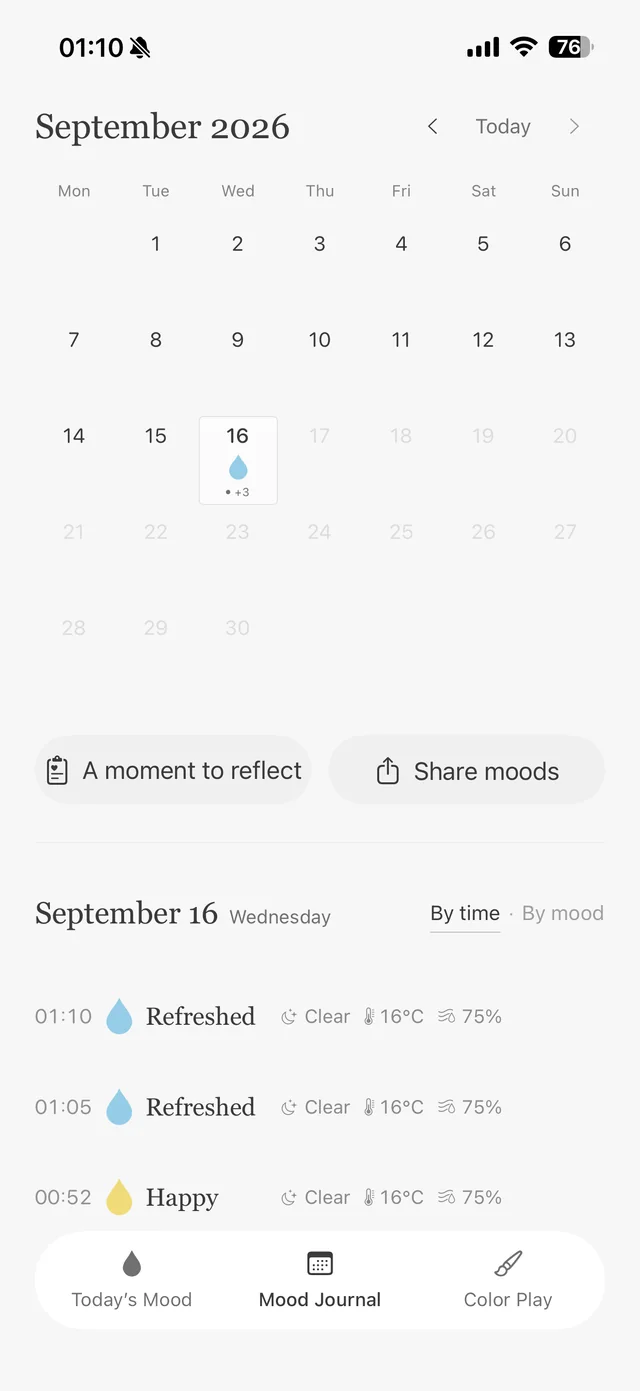
Look back at the colors in your calendar and how you felt that day. Leave a short note about whatever comes to mind.
01 / A day in color
Leave a drop of color for a feeling you cannot quite put into words. Record as often as you like, then revisit the colors in your calendar and the little notes that bring a day back to you.
Mood entries · Calendar · Notes · Reflection
02 / Room to wander
Place a brushstroke, add water, and watch the paint spread. Adjust the size and amount of water, undo a stroke, and try something new. Save a moment you love to Photos.
Brush and water · Size and water amount · Undo · Save to Photos

03 / A quiet moment
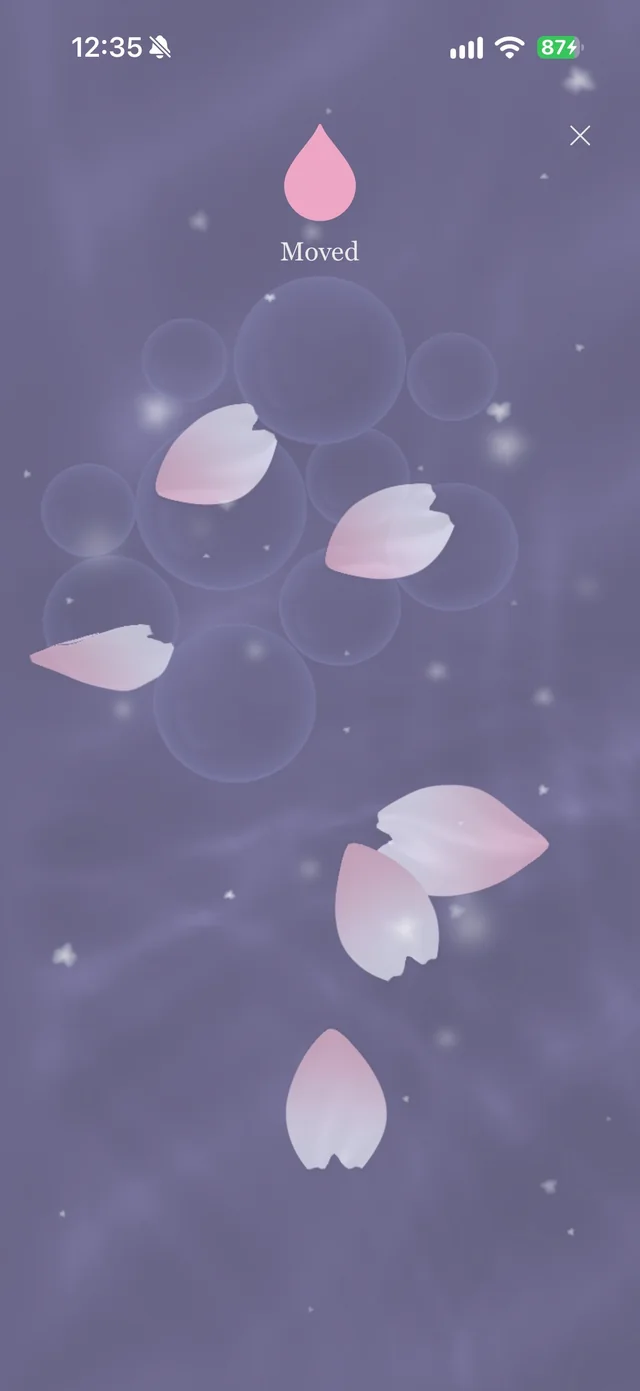
Petals on the surface, goldfish below, and ripples spreading from your fingertips. Enjoy a small water world with an atmosphere that changes with the time of day.
Full-screen water · Petals and goldfish · Time-of-day atmosphere
Yes. Choose a mood and a color that feel right. Add a note only when you want to.
No. There is no set goal. Place colors, add water, and enjoy watching them move.
Kiboon is free to download. Some decorative items, including petals and goldfish, are available as optional in-app purchases.
Free to download, with optional in-app purchases for some decorative items.
App Store